As PC gamers prepare their hardware for the release of the decade, the conversation usually revolves around Graphics Cards and RAM. But there is a massive software hurdle looming on the horizon that millions of users are ignoring. The question is: “Is there going to be GTA 6 Windows 10 support?”
According to the Steam Hardware Survey, nearly 50% of all PC gamers are still clinging to the older OS. It is stable, familiar, and widely loved. However, Microsoft has officially announced that support will end in October 2025—likely a full year (or more) before Grand Theft Auto VI arrives on PC.
In this operating system breakdown, we will analyze the likelihood of running GTA 6 Windows 10 builds, the performance benefits of Windows 11’s exclusive gaming features, and why staying on an old OS might be a security nightmare by the time Vice City launches.
⚡ Quick Answer: Do I Need Windows 11?
Verdict: Highly Recommended. While Rockstar Games will likely include basic GTA 6 Windows 10 compatibility to maximize sales, the experience will be inferior. The older OS lacks full optimization for DirectStorage and Auto HDR, features that GTA 6 will rely on for smooth streaming and visuals. Furthermore, Windows 10 will be “End of Life” (unsupported) by the time the PC version launches in 2026/2027.
The GTA 6 Windows 10 “End of Life” Problem
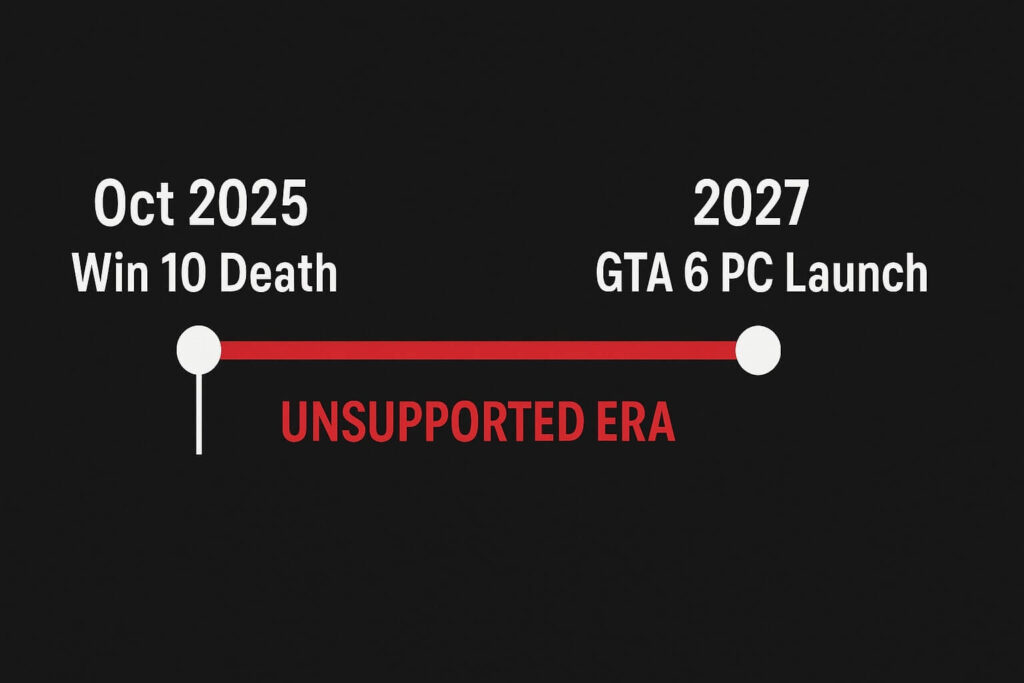
To understand the risk of relying on GTA 6 Windows 10 systems, we have to look at the calendar. This is not just about technology; it is about timing.
- Windows 10 End of Support: October 14, 2025.
- GTA 6 Console Release: Late 2025.
- GTA 6 PC Release (Estimated): Late 2026 or Early 2027.
By the time GTA 6 arrives on PC, Windows 10 will have been “dead” for over a year. This means no more security updates, no more driver optimizations from NVIDIA/AMD specifically for the OS, and potentially no support from Rockstar’s anti-cheat systems (BattlEye/Vanguard often drop support for dead OS versions).
Running a brand new AAA game on an abandoned operating system is asking for crashes, driver conflicts, and security vulnerabilities.
DirectStorage: Why Windows 11 Beats GTA 6 Windows 10
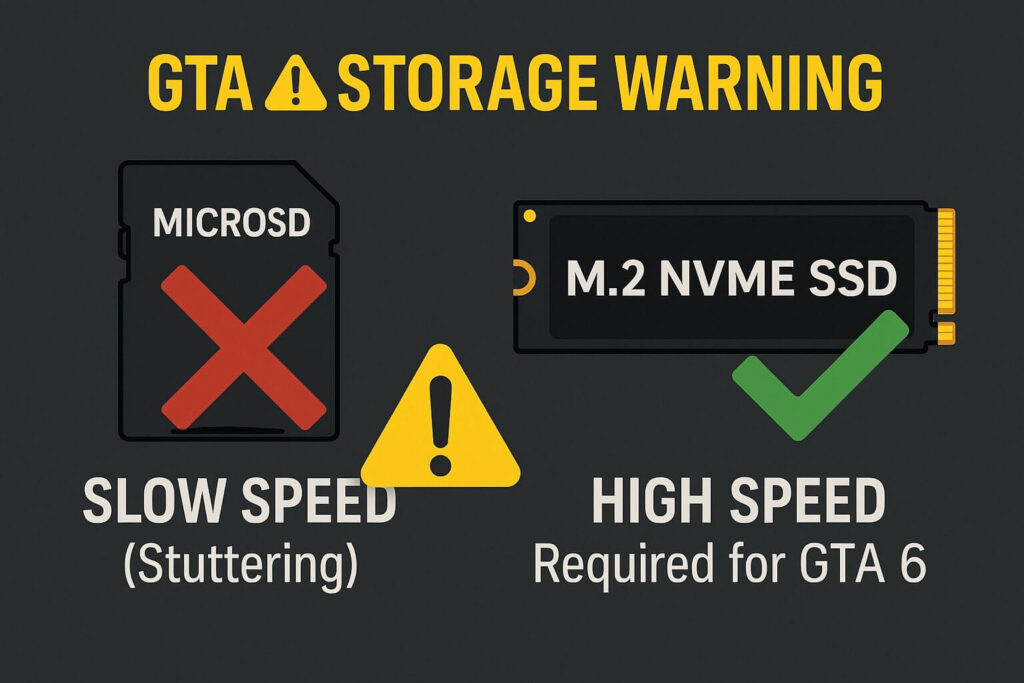
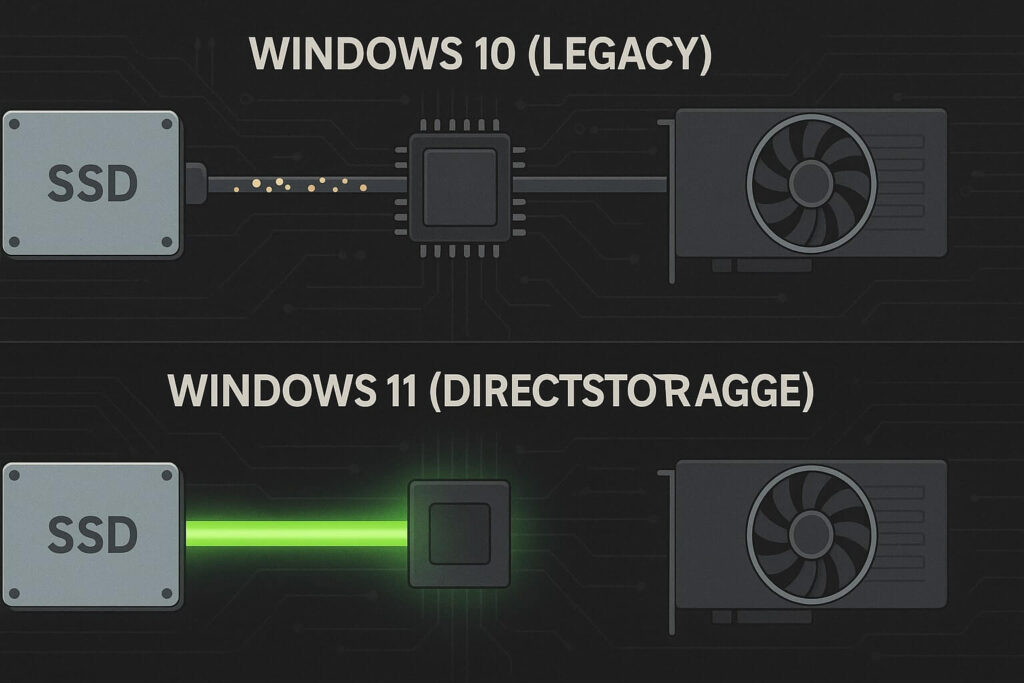
The biggest technical reason to upgrade is DirectStorage. This is the technology that allows the Xbox Series X and PS5 to load games instantly. It allows the NVMe SSD to send data directly to the GPU, bypassing the CPU bottleneck.
Windows 10 vs. Windows 11 DirectStorage
Technically, DirectStorage is available on Windows 10. However, it runs on a “legacy stack.” It is not fully optimized. Windows 11 was built from the ground up with the storage stack optimization required to make DirectStorage fly.
For a game like GTA 6, which relies on high-speed streaming of assets to render a dense Vice City, the difference could be stuttering on GTA 6 Windows 10 setups versus buttery smooth gameplay on Windows 11. If you have already upgraded your storage (check our SSD vs HDD Guide), you want an OS that can actually use that speed.
Auto HDR and Visuals
Another feature exclusive to Windows 11 is Auto HDR. This technology takes Standard Dynamic Range (SDR) games and automatically upgrades them to High Dynamic Range (HDR) visuals, improving color depth and contrast.
While GTA 6 will certainly have native HDR support, the Windows 11 display engine handles HDR switching and calibration significantly better than Windows 10. On Windows 10, enabling HDR is often a buggy mess that washes out your desktop colors. On Windows 11, it is seamless. If you want the neon lights of Vice City to pop correctly on your OLED monitor, Windows 11 is the superior platform.
Scheduler Optimization: Intel 12th/13th/14th Gen CPUs
If you have a modern Intel CPU (12th Gen Alder Lake or newer), you must use Windows 11. These CPUs use a “Hybrid Architecture” with Performance Cores (P-Cores) and Efficiency Cores (E-Cores).
Windows 10 does not understand how to schedule tasks between these cores properly. It often sends heavy gaming tasks (like GTA 6 physics calculations) to the weak E-Cores, causing massive lag spikes.
Windows 11 has the updated Thread Director which ensures GTA 6 runs on the powerful P-Cores while background apps (Discord, Spotify) stay on the E-Cores. If you stick with Windows 10 on a modern CPU, you are voluntarily leaving 15-20% performance on the table.
Will Rockstar Officially Support GTA 6 Windows 10?
Historically, Rockstar supports older OS versions for a long time. GTA 5 supported Windows 7 long after it was obsolete. However, recent trends in the industry suggest a shift.
Games that have dropped older OS support:
- Starfield (Recommends Win 10 21H1 or higher, performs best on 11).
- Cyberpunk 2077: Phantom Liberty (Dropped Windows 7/8 support).
It is unlikely that Rockstar will hard-block GTA 6 Windows 10 launch capability because the player base is still too large. However, they may list Windows 10 as “Minimum” and Windows 11 as “Recommended.” This means if you encounter bugs or crashes on Windows 10, Rockstar Support might simply tell you: “Please upgrade your OS.”
The Solution: Getting Windows 11 Ready
As an Amazon Associate, we earn from qualifying purchases.
If you are still on Windows 10, you have until late 2025 to make the move. The upgrade is usually free if you have a valid license, but for new PC builds or those stuck on unactivated versions, buying a key is necessary.
Here are the best ways to secure your OS for GTA 6.
1. Windows 11 Home (USB Flash Drive)
This is the standard version for 99% of gamers. It comes on a physical USB stick, making installation on a new PC incredibly easy without needing to create your own boot media.
- Best For: New PC builds or clean installs.
- Feature: Game Mode enabled by default.
Our Pick: Microsoft Windows 11 Home (USB)
2. Windows 11 Pro (Digital Code)
If you are a power user who needs BitLocker encryption or Remote Desktop features, get the Pro version. For pure gaming FPS, it is identical to Home, but the extra control over updates is nice.
- Best For: Power users and streamers.
- Feature: Ability to delay updates longer than Home users.
Our Pick: Microsoft Windows 11 Pro (Download)
How to Debloat Windows 11 for GTA 6
Many gamers hate Windows 11 because of the “bloatware” and background processes. If you upgrade, we recommend doing a clean install and turning off these settings to maximize FPS for GTA 6:
- Turn off VBS (Virtualization-Based Security): This security feature can reduce gaming performance by 5-10%.
- Enable Game Mode: This prioritizes the game process over background apps.
- Disable Notifications: Stop “Focus Assist” from interrupting your gameplay.
Need to upgrade your hardware along with your OS? Check our Guide on GPU Upgrades to ensure your graphics card is Windows 11 ready.
Final Verdict: Is GTA 6 Windows 10 Gaming Dead?
Can you rely on GTA 6 Windows 10 performance? Probably. Should you? Absolutely not.
By the time GTA 6 launches on PC, Windows 10 will be an insecure, unoptimized relic. Windows 11 offers better DirectStorage integration, better HDR, and better CPU scheduling for modern processors. To experience Vice City without hitches, crashes, or security risks, it is time to say goodbye to Windows 10 and embrace the upgrade.