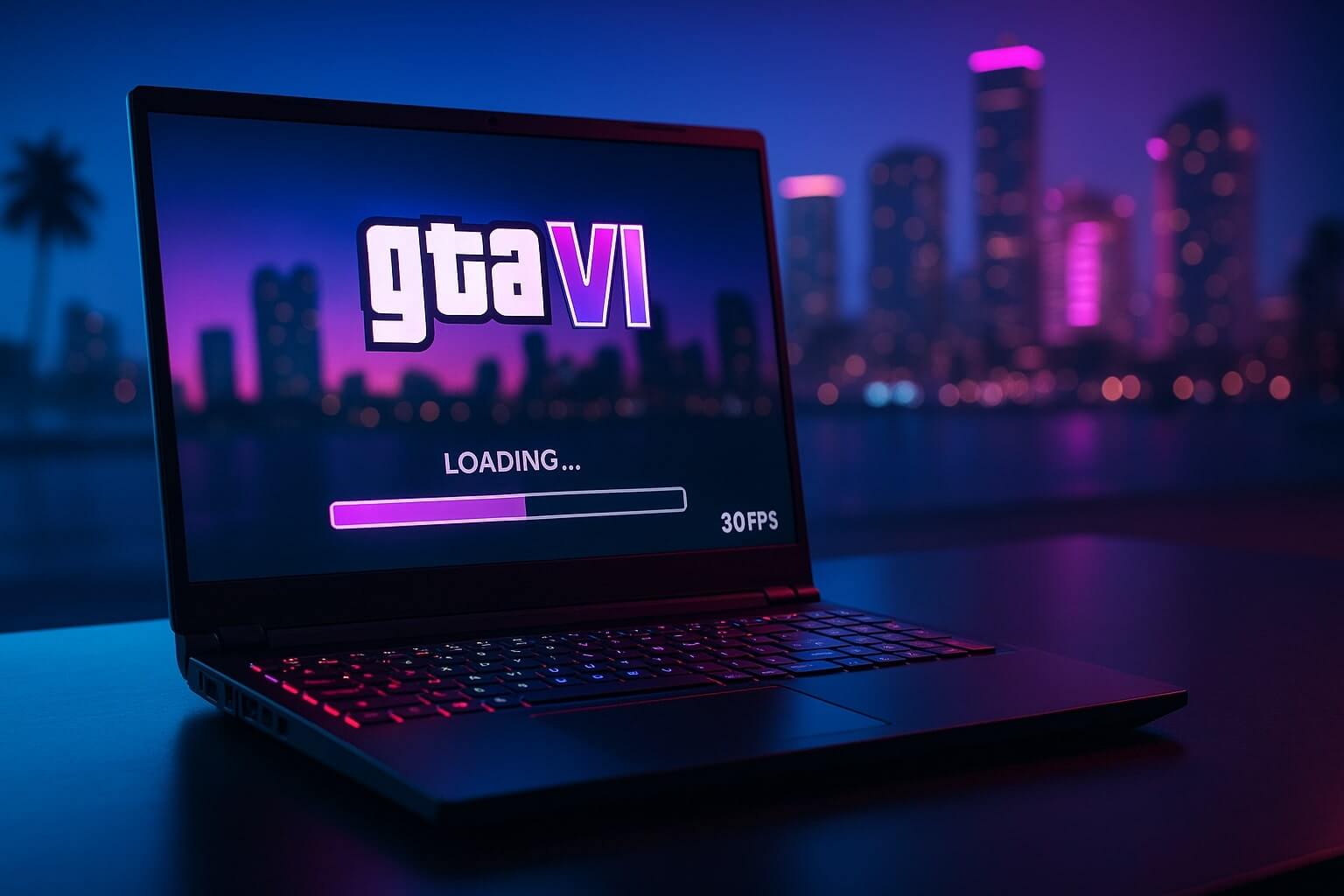
As the anticipation for Grand Theft Auto VI reaches a fever pitch, budget gamers are frantically checking their GTA 6 laptop specs with nervous sweating. The RTX 3050 Mobile has been the undisputed king of budget gaming laptops for the last three years, powering machines like the Acer Nitro 5 and HP Victus.
But can this entry-level chip actually survive the next generation of open-world gaming? Rockstar Games is pushing the boundaries of technology with the RAGE Engine 9, targeting the PS5 and Xbox Series X as the baseline.
In this laptop performance guide, we will analyze the architecture of the RTX 3050 Mobile, predict its performance based on modern heavyweights like Alan Wake 2, and review the Acer Nitro 5 as a potential candidate for minimum GTA 6 laptop specs.
⚡ Quick Answer: Can the RTX 3050 Mobile Run GTA 6?
Verdict: Yes, but only on Low Settings. The RTX 3050 Mobile is severely limited by its 4GB VRAM. While it will likely launch the game, you should expect to play at 1080p Low or 720p with DLSS set to “Performance” mode. Do not expect High settings or Ray Tracing. For a smooth 60 FPS experience, a laptop with an RTX 4060 (8GB VRAM) is highly recommended.
The “Mobile” Problem: GTA 6 Laptop Specs vs. Desktop
When looking at recommended GTA 6 laptop specs, it is crucial to understand that an “RTX 3050” in a laptop is not the same as an “RTX 3050” in a desktop PC.
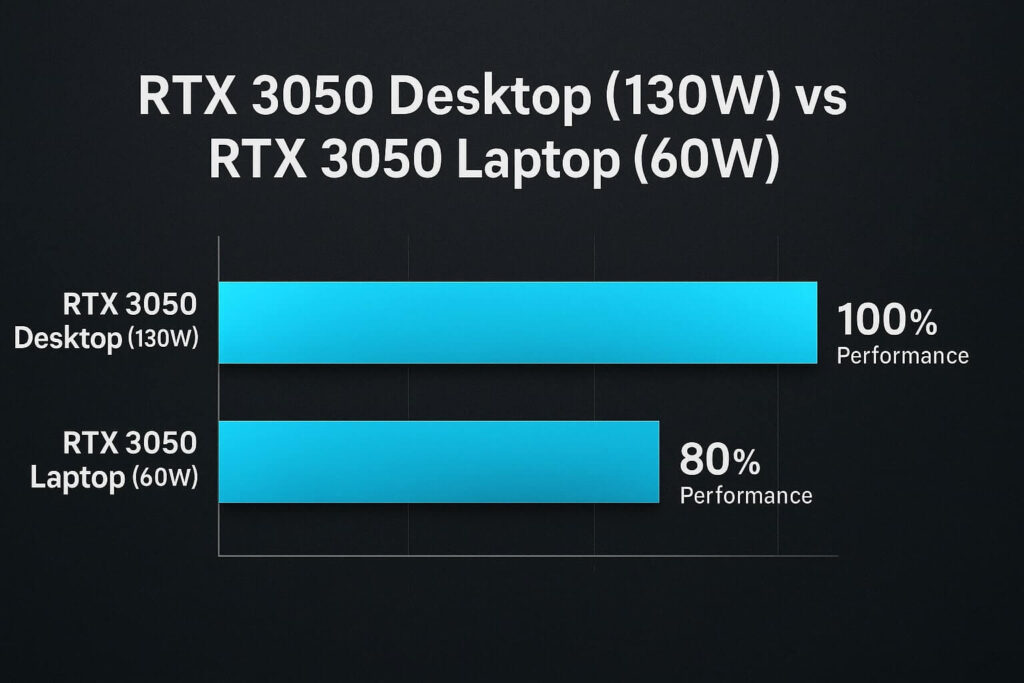
Laptop GPUs are constrained by power limits (TGP) and heat. A desktop RTX 3050 might draw 130 Watts of power, while the RTX 3050 in a budget laptop might be capped at 60W or 75W. This results in a performance gap of roughly 15-20%. If the desktop card barely meets the minimum requirements, the mobile version falls dangerously below them.
The 4GB VRAM Bottleneck
The single biggest issue for the RTX 3050 Mobile is memory. It only has 4GB of VRAM. Modern AAA titles like Cyberpunk 2077 (2.0 Update) and The Last of Us Part 1 typically require 6GB to 8GB of VRAM for 1080p gaming.
When GTA 6 tries to load the massive textures of Vice City, that 4GB buffer will fill up instantly. Once full, the game swaps data to your system RAM, causing massive stuttering and “texture pop-in” (where buildings look like grey blobs).
RAGE Engine 9 vs. RTX 3050 Mobile
To predict performance, we have to look at how this chip handles current games that share technology with GTA 6’s upcoming RAGE Engine 9.
1. Benchmark Proxy: Alan Wake 2
Alan Wake 2 is currently the heaviest game on PC and uses Mesh Shaders, a tech likely to be in GTA 6.
- RTX 3050 Mobile Performance: At 1080p Low settings, the card struggles to hit 30 FPS natively.
- With DLSS/FSR: You can achieve a playable 30-40 FPS, but the image quality is blurry due to upscaling from a low resolution.
2. Benchmark Proxy: Cyberpunk 2077 (2.0 Update)
This open-world city is the closest comparison to Vice City.
- RTX 3050 Mobile Performance: It can handle 1080p Medium settings at roughly 45 FPS, provided you enable DLSS “Balanced” mode.
- Warning: Driving fast through the city center causes frame drops into the 20s due to the CPU and VRAM bottleneck.
Acer Nitro 5 Review: Do These GTA 6 Laptop Specs Work?
As an Amazon Associate, we earn from qualifying purchases.
If you are on a strict budget, the Acer Nitro 5 is arguably the most popular entry-level gaming laptop on the market. It frequently goes on sale and offers high-performance specs per dollar. But do these budget GTA 6 laptop specs actually hold up?
Specs Breakdown (i5 Model)
- CPU: Intel Core i5-12500H (12 Cores). This is actually fantastic. The high core count will handle GTA 6’s physics and AI crowd calculations easily.
- GPU: NVIDIA GeForce RTX 3050 (4GB). As discussed, this is the weak link.
- RAM: 8GB or 16GB. Critical Note: You MUST upgrade this to 16GB. 8GB is not enough for GTA 6.
- Cooling: Acer’s “CoolBoost” technology is loud but effective. It prevents thermal throttling, which is essential for long GTA sessions.
Our Verdict on the Nitro 5
For the price, the Acer Nitro 5 is an incredible machine. It will run 99% of games on the market. For GTA 6, it meets the “Minimum Viable” threshold. You will be able to play the story, drive the cars, and shoot the guns—just don’t expect it to look like the trailers.
Top Pick for Budget Gamers: Acer Nitro 5 Gaming Laptop (Intel i5-12500H | RTX 3050)
Predicted GTA 6 Settings for RTX 3050 Mobile
Based on our analysis, here are the optimized settings you will likely need to use to get a stable framerate on launch day.
The “Stability” Config
- Resolution: 1080p
- DLSS / FSR: Set to “Balanced” or “Performance”
- Texture Quality: Low (Strictly due to 4GB VRAM)
- Shadow Quality: Medium
- Crowd Density: Low/Medium
- Expected FPS: 35 – 45 FPS
The “Console Mode” Config
- Resolution: 1080p
- VSync: ON (Half Refresh Rate / 30 FPS Cap)
- Settings: Medium Mix
- Verdict: Locking the game to 30 FPS (like a PS5 running in Fidelity Mode) will give you the smoothest experience with fewer jitters.
Should You Buy an RTX 3050 Laptop Now?
If you need a laptop today for school or work and want to play GTA 6 later, the RTX 3050 is the absolute minimum floor. However, if you can save just $200-$300 more, we strongly recommend jumping up to a laptop with better GTA 6 laptop specs, like the RTX 4050 or RTX 4060.
Why upgrade to the 40-series?
- 6GB+ VRAM: The RTX 4050 has 6GB VRAM, and the 4060 has 8GB. This solves the texture bottleneck.
- DLSS 3 Frame Gen: The 40-series can use AI to generate “fake frames,” turning 30 FPS into 60 FPS. The RTX 3050 cannot do this.
Final Verdict: The Little Chip That Could
Will the RTX 3050 Mobile handle GTA 6? Yes, but it will be a fight.
You won’t get the ray-traced reflections or the ultra-sharp 4K textures shown in the trailers. But thanks to the power of DLSS and the raw CPU power of modern laptops like the Acer Nitro 5, you will be able to join the rest of the world in Vice City. Just keep your charger plugged in and your fans on max.
Want to know if your desktop PC is up to the task? Check our guide on Desktop GPU Benchmarks for GTA 6.