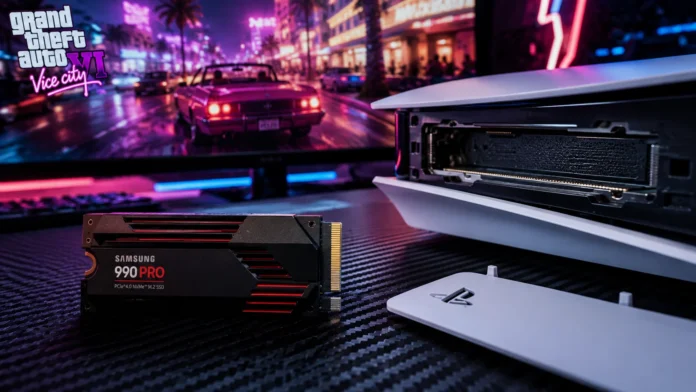
Grand Theft Auto 6 is going to completely cannibalize your console’s hard drive. With Rockstar Games pushing the RAGE engine to simulate the most photorealistic, densely populated open world in gaming history, industry analysts project that the initial install size for Vice City will land anywhere between 150GB and 200GB. If you are still relying on the base storage of your original PlayStation 5, you are going to have a massive problem on launch day.
The standard PS5 comes with only about 667GB of usable internal storage. After you install GTA 6, Call of Duty, and a few updates, your console will be completely full. To avoid the miserable chore of constantly deleting and re-downloading your favorite games, you need to expand your storage via the console’s hidden M.2 expansion slot. In this hardware guide, we rank the absolute best PS5 internal SSDs for GTA 6 in 2026 so you can expand your vault without bottlenecking your load times.
If you want the absolute best PS5 internal SSDs for GTA 6, the Samsung 990 Pro (with Heatsink) is the premium champion, offering blazing-fast 7,450 MB/s read speeds. If you are looking for the best overall value, the Crucial T500 delivers identical real-world load times for significantly less money. Finally, the trusted WD_BLACK SN850X remains the undisputed workhorse for heavy gamers.
The PS5 Storage Matrix: Minimum Requirements
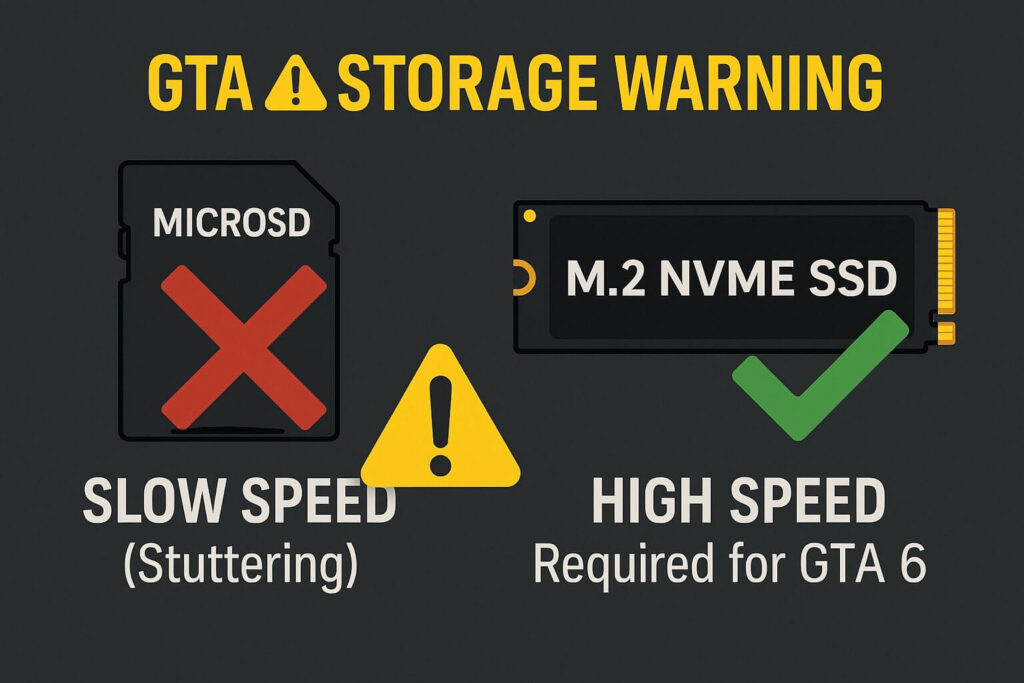
Sony does not let you plug just any cheap memory stick into your console. Because games like GTA 6 rely on rapid asset streaming to load high-resolution textures while you drive at 150 MPH, your SSD must meet incredibly strict speed and architectural requirements.
| SSD Model (With Heatsink) | Sequential Read Speed | Value / Reliability Rating |
|---|---|---|
| Samsung 990 PRO | 7,450 MB/s | Ultimate Premium Pick |
| WD_BLACK SN850X | 7,300 MB/s | Trusted Workhorse |
| Crucial T500 | 7,300 MB/s | Best Budget / Value |
| Corsair MP600 Pro LPX | 7,100 MB/s | Great Alternate Pick |
Whatever M.2 SSD you decide to purchase, you must ensure it comes with a heatsink attached. Gen4 NVMe drives run incredibly hot. If you install a “bare” drive into your PS5 without a metal heatsink to disperse the thermal load, the drive will overheat, heavily throttle your game’s performance, and eventually destroy itself.
Samsung 990 Pro: The Premium Performer
If budget is not an issue and you simply want the absolute fastest storage technology currently compatible with the PlayStation 5, the Samsung 990 Pro is the undisputed king of the hill.
Samsung 990 Pro w/ Heatsink
- Speed Maxes out the PS5’s bandwidth at 7,450 MB/s
- Cooling Premium, futuristic built-in thermal guard
- Efficiency Consumes 50% less power than the older 980 Pro
Why Speed Matters for Vice City
When you swap characters from Lucia to Jason across the map in GTA 6, the game has to dump the memory from one location and instantly load the assets for the other. The 990 Pro’s ridiculous read speeds ensure these transitions happen in mere seconds, effectively eliminating the painful loading screens of previous console generations.
Crucial T500: The 2026 Value King
If dropping over $180 on a piece of hidden storage hurts your wallet, Crucial has aggressively priced their newest PCIe Gen4 drive to dominate the mid-tier market. The Crucial T500 offers top-tier speeds for a fraction of the cost of its premium rivals.
Crucial T500 Heatsink
- Value Routinely on sale for ~$30 less than competitors
- Performance Uses cutting-edge Micron TLC 3D NAND flash
- Form Factor Pre-installed heatsink fits the PS5 slot perfectly
WD_BLACK SN850X: The Trusted Standard
Western Digital essentially wrote the book on PS5 storage expansions. While Sony officially licensed the older SN850P, the newer SN850X is actually faster and generally cheaper. It strikes the perfect balance between Samsung’s raw speed and Crucial’s affordability.
✅ The 2TB Sweet Spot
- While 1TB drives are cheaper, upgrading to the 2TB WD_Black SN850X is the smartest investment you can make for 2026.
- 2TB gives you enough breathing room to keep GTA 6, Red Dead Redemption 2, and a massive Call of Duty library installed simultaneously without ever seeing a “Storage Full” warning again.
How to Install Your New SSD
Do not be intimidated by the installation process—you do not need a computer science degree. The entire upgrade takes roughly five minutes.
- Step 1: Completely power off your PS5 and unplug the power cable.
- Step 2: Slide off the bottom white faceplate (the side with the disc drive, if you have one).
- Step 3: Use a standard Phillips-head screwdriver to remove the long, rectangular metal cover near the fan.
- Step 4: Slide your new SSD into the slot until it clicks, screw it down using the included spacer, and put the cover back on.
- Step 5: Turn the PS5 on. It will immediately recognize the new drive and ask to format it. Click “Yes,” and you are ready for Vice City!
Frequently Asked Questions — Storage
Does opening my PS5 to install an SSD void my warranty?
Can I just use an external USB hard drive instead?
Why does the PS5 format speed test show a slower number than the box?