The Best Controller for GTA 6 on PC (Aim Assist Guide)
The Great PC Gaming Dilemma: Mouse or Controller?
While the highly anticipated PC release of Grand Theft Auto VI is expected to follow the console launch by 12 to 18 months, hardcore PC enthusiasts are already preparing their rigs. When the game finally drops on Steam and the Rockstar Games Launcher, PC players will face the franchise’s oldest dilemma: do you play with a mouse and keyboard, or do you plug in a gamepad? If you want to master every aspect of Leonida, you need to find the absolute best controller for GTA 6 PC.
Grand Theft Auto is fundamentally two completely different games mashed into one. Half of the game is a highly precise third-person shooter, where a mouse traditionally reigns supreme. The other half is an incredibly complex driving and flying simulator, where a keyboard is a massive liability. In this comprehensive guide, we break down why a premium controller is the ultimate weapon for PC players, how Rockstar handles aim assist lobbies, and which gamepad completely dominates the PC ecosystem.
The Power of Aim Assist on PC
If you have ever played GTA Online on PC, you know that the servers are typically divided by input method. If you plug in a controller, you can join “Aim Assist” lobbies. If you use a mouse, you are placed in “Free Aim” lobbies.
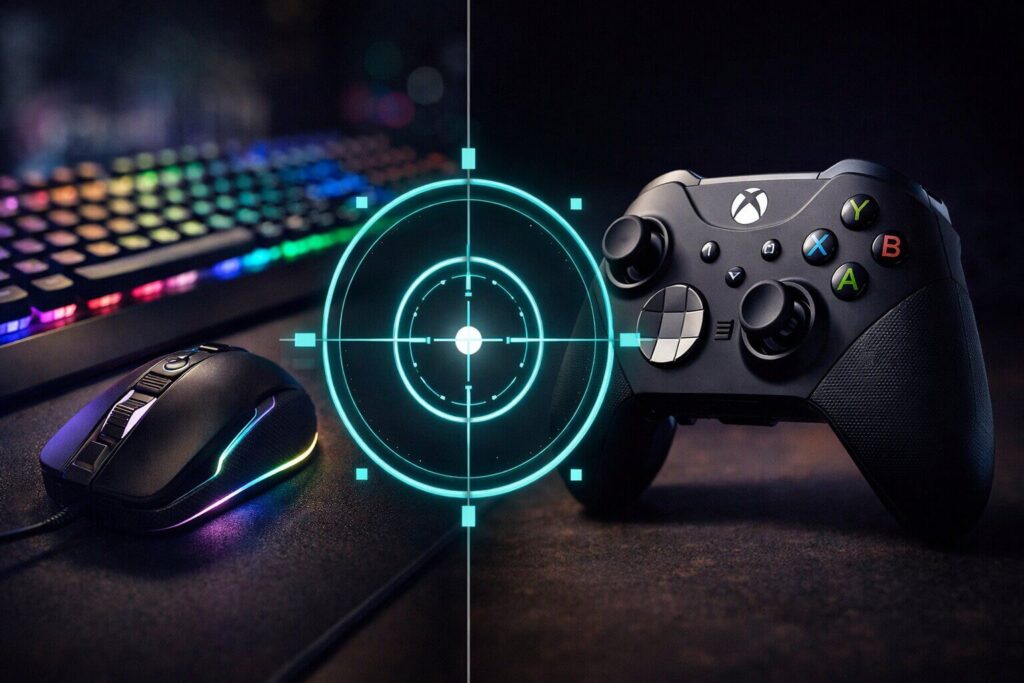
Many PC purists refuse to drop their mouse, but in the chaotic world of Vice City, aim assist is a superpower. When you are hanging out the passenger window of a speeding sports car, trying to shoot the tires out of a pursuing police cruiser, tracking that moving target with a mouse over bumps and jumps is incredibly difficult. With a controller, the game’s aim assist magnetically locks onto targets, allowing you to land critical shots while traveling at 150 miles per hour.
Furthermore, the driving mechanics of the new RAGE engine are expected to be the most realistic yet. A keyboard only has digital inputs—meaning the accelerator is either 0% or 100%. A controller features analog triggers, allowing you to feather the gas pedal around sharp corners to prevent your hypercar from spinning out. For the optimal experience, the best controller for GTA 6 PC is not just an accessory; it is a necessity.
The Undisputed King: Xbox Elite Series 2
When you are playing on a high-end gaming PC with an unlocked framerate, you need hardware that can match your system’s performance. You cannot settle for a cheap, third-party plastic gamepad with massive thumbstick dead zones.
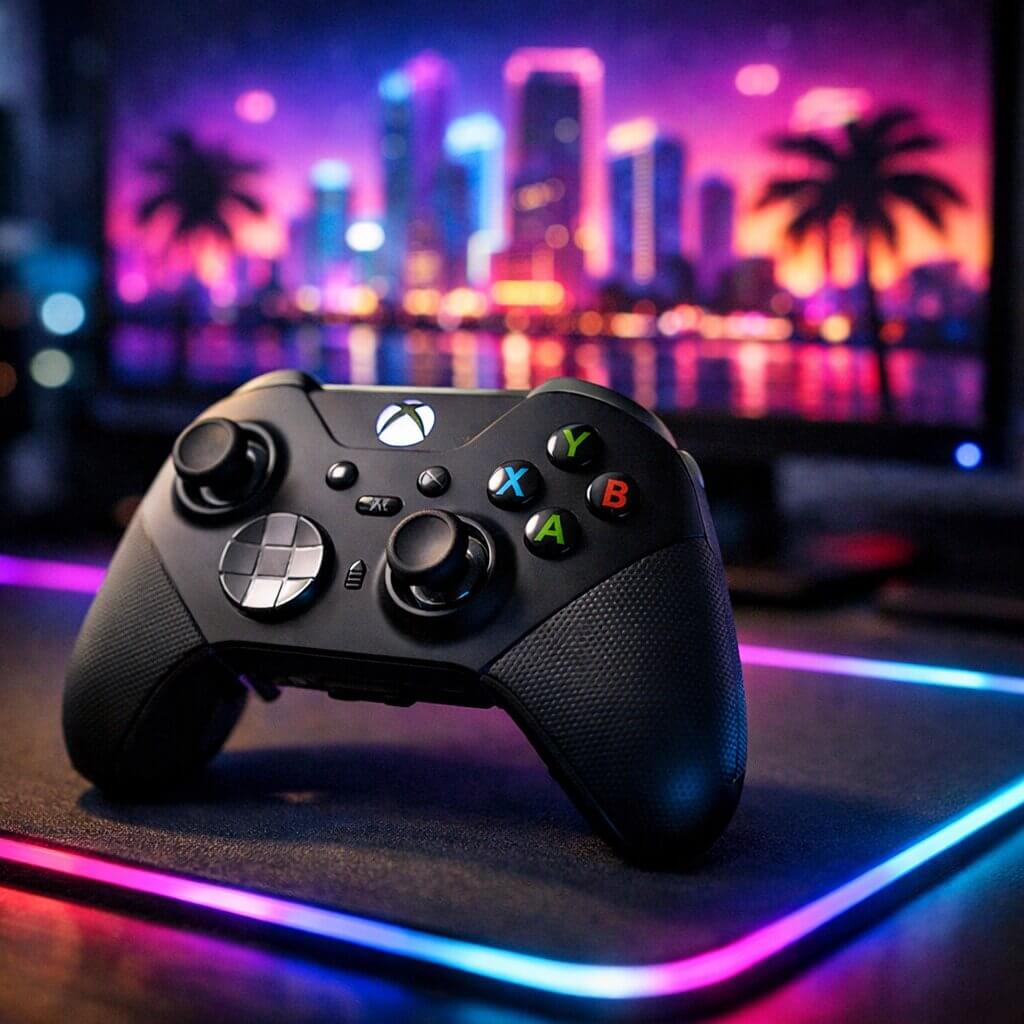
Without question, the best controller for GTA 6 PC is the official Microsoft Xbox Elite Wireless Controller Series 2. Because Windows is a Microsoft operating system, Xbox controllers feature absolute, flawless plug-and-play integration. There is no need to download third-party mapping software or struggle with Bluetooth drivers. But the Elite Series 2 goes far beyond basic compatibility.
Adjustable Thumbstick Tension
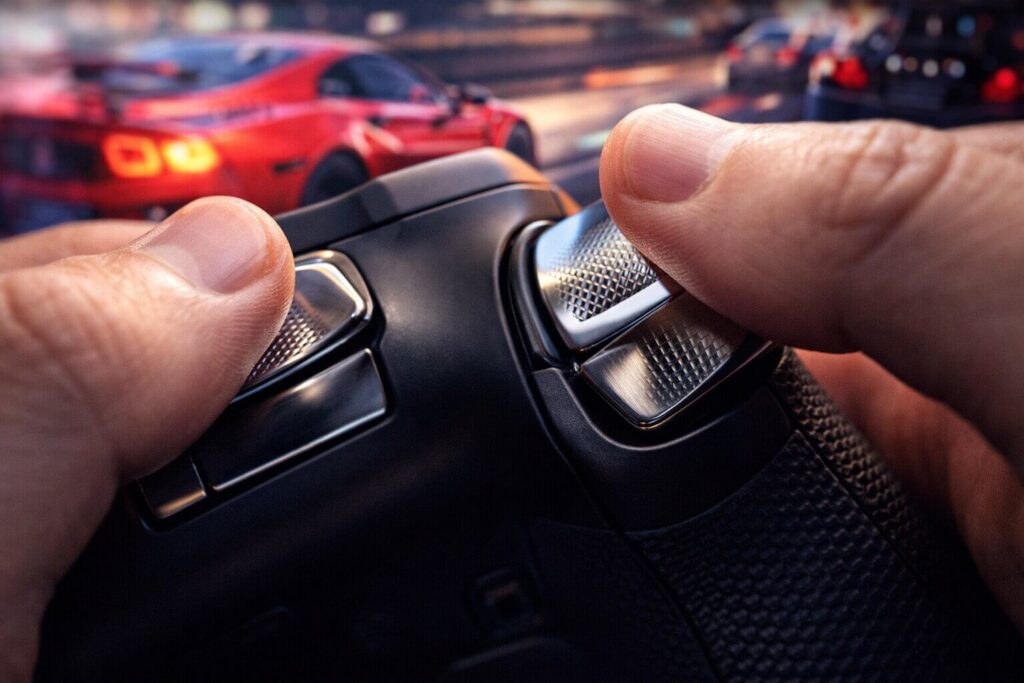
The biggest complaint PC gamers have when transitioning from a mouse to a controller is the lack of aiming precision. The Elite Series 2 solves this with mechanically adjustable thumbsticks. Using an included tool, you can physically tighten the resistance of the analog sticks. By increasing the tension on your right stick, you can make micro-adjustments to your aim with surgical precision, bridging the gap between a mouse and a gamepad.
Rear Paddles for Seamless Action
In standard controllers, you have to take your right thumb off the aiming stick to press the face buttons (A, B, X, Y) to jump, reload, or pull the handbrake. In a competitive GTA Online firefight, taking your thumb off your aim for even a split second will get you killed.
The Elite Series 2 features four removable rear paddles. You can map your handbrake, sprint, reload, and crouch directly to the back of the controller. Your thumbs never have to leave the thumbsticks, giving you a massive tactical advantage during complex heists.
🏆 Dominate the PC Servers:
Do not handicap your high-end PC with cheap peripherals. Upgrade to the Xbox Elite Series 2 Controller on Amazon to secure the ultimate competitive edge with rear paddles and flawless Windows integration.
Eliminate Input Lag: The Wireless Adapter
If you are playing GTA 6 on a 144Hz or 240Hz monitor, input lag is your worst enemy. While the Elite Series 2 features Bluetooth connectivity, standard PC Bluetooth motherboards are notoriously unreliable for gaming, often introducing noticeable latency or randomly disconnecting during intense moments.
To get console-level, zero-latency wireless performance on your PC, you must bypass your motherboard’s Bluetooth.
⚡ Secure a Zero-Latency Connection:
Pick up the Official Xbox Wireless Adapter for Windows on Amazon. This dedicated USB dongle uses Microsoft’s proprietary Xbox Wireless protocol, ensuring your controller inputs register on your screen instantaneously, which is vital for high-speed driving and PvP sniping.
The PlayStation DualSense on PC: Is it Worth it?
Many gamers wonder if the PlayStation 5 DualSense is a viable option for PC gaming. While the DualSense is an incredible piece of hardware on the PS5, its PC experience is vastly different.
While Steam offers built-in support for the DualSense, many third-party PC games do not natively recognize it, forcing you to use emulation software like DS4Windows. Furthermore, the incredible features of the DualSense—like adaptive triggers and advanced haptic feedback—are rarely supported in PC ports. When Rockstar eventually releases the PC version of GTA 6, it is unknown if they will officially code in DualSense haptic support for Windows. For a guaranteed, frustration-free experience, the Xbox ecosystem remains the undisputed king of PC controllers.
🎮 On a Tighter Budget?
If you spent all your money upgrading your graphics card for the RAGE engine, you don’t need to buy the Elite version. The Standard Xbox Wireless Controller on Amazon offers the same flawless Windows 11 integration and ergonomic comfort at a fraction of the price.
The Ergonomic Nightmare: Beating the “Claw” Grip
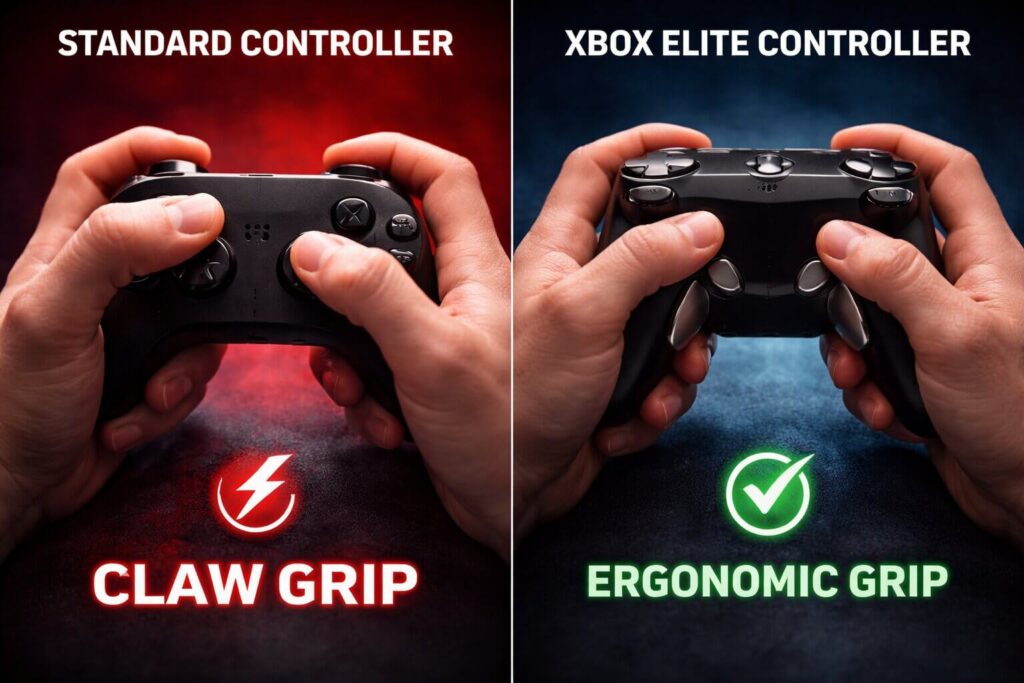
If you have ever played a Rockstar game for hundreds of hours, you are likely intimately familiar with the franchise’s unique—and often frustrating—control scheme. By default, games like GTA V and Red Dead Redemption 2 require you to repeatedly tap or hold the “A” button (on Xbox) to sprint. This creates a massive mechanical problem during intense shootouts.
If your right thumb is holding down the “A” button to sprint away from heavily armed Vice City police officers, you cannot simultaneously use your right thumb to move the analog stick and look around. To solve this, hardcore players contort their hands into the notorious “Claw Grip,” curling their right index finger over the face buttons so their thumb can remain on the stick. This grip is incredibly unergonomic and can cause severe hand cramping and long-term joint pain during 12-hour launch weekend marathons.
This is precisely why finding the best controller for GTA 6 PC relies heavily on rear paddles. By mapping the sprint button to the back of an Elite Series 2 controller, your index fingers stay safely on the triggers, your thumbs never leave the analog sticks, and your hands remain in a natural, relaxed position. You can sprint, vault over fences, and check your blind spots simultaneously without destroying your tendons.
Mastering the Xbox Accessories App
Purchasing premium hardware is only the first step; unlocking its true potential requires software tuning. When you plug the Xbox Elite Series 2 into your Windows 11 PC, you gain full access to the Xbox Accessories App. This software allows you to tweak the controller’s brain, granting you a level of customization that standard console players can only dream of.
Fine-Tuning Your Dead Zones
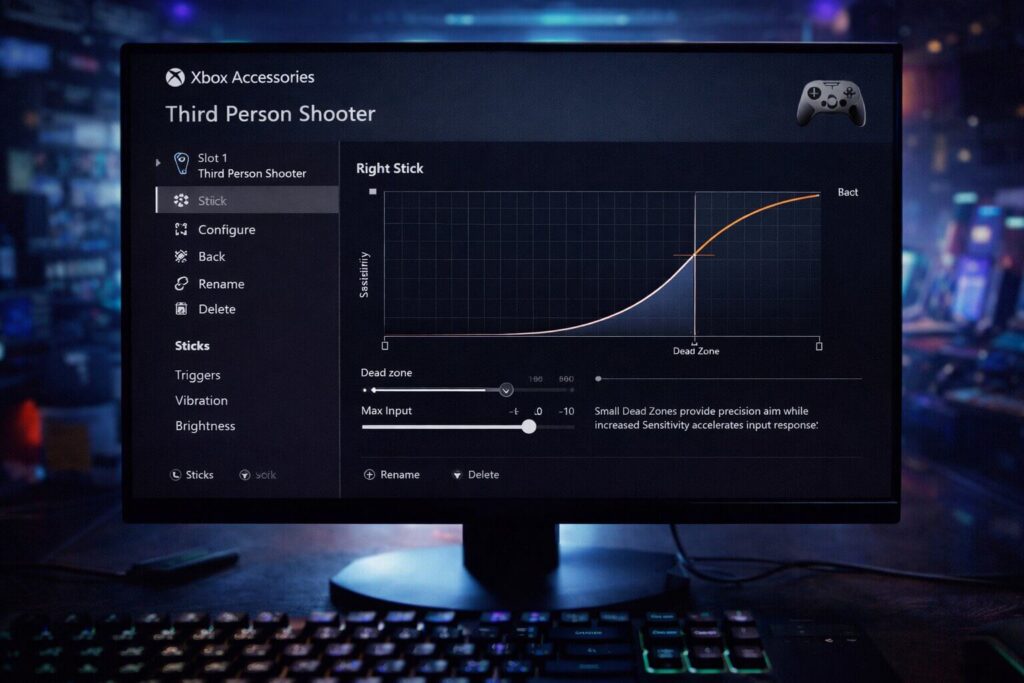
A “dead zone” is the amount of physical distance you must move the analog stick before the game registers the input. Standard controllers often have massive factory dead zones to hide manufacturing flaws. Using the software, you can drop the Elite controller’s dead zone to absolute zero. This means the exact millisecond you twitch your thumb, your crosshair moves on screen. When trying to land a 500-meter sniper headshot on a moving target, a zero dead zone is mandatory.
Custom Response Curves
The app also allows you to change how the game interprets your stick movements. For driving hypercars in Leonida, you want a “Smooth” response curve, which gradually ramps up the steering angle so you don’t instantly spin out at 150mph. For on-foot PvP combat, you want an “Aggressive” or “Instant” curve, which snaps your aim faster during close-quarters shotgun battles. The Elite Series 2 allows you to save three custom profiles directly to the controller’s memory, meaning you can switch from your “Racing Build” to your “Combat Build” with the press of a single physical button.
Physical Trigger Stops: Racing vs. Shooting
One of the most defining mechanical features of the Grand Theft Auto franchise is the seamless transition between vastly different gameplay styles. You might spend ten minutes carefully feathering the gas pedal of a stolen sports car, and the next ten minutes rapidly firing a semi-automatic pistol. These two actions require completely different trigger mechanics.
A standard gamepad has a long trigger pull. This is perfect for driving, as it gives you a wide range of analog throttle control (from 1% acceleration to 100% acceleration). However, a long trigger pull is terrible for shooting a semi-automatic weapon, as it takes too long to reset the trigger between shots.
The Elite Series 2 features physical “Trigger Stop” switches on the back of the controller. By flipping the switch, you physically shorten the distance the trigger can be pulled, turning it into a hair-trigger. During a gunfight, flip the switch down to fire your pistol twice as fast. When you jump into a getaway car, flip the switch back up to regain full analog control of your engine. It is an unparalleled tactical advantage.
The Stick Drift Reality & Hall Effect Alternatives
We must address the elephant in the room regarding modern gaming peripherals: stick drift. Traditional analog sticks use physical potentiometers (tiny carbon tracks) to measure movement. Over time, aggressive clicking (like pressing L3 to enter stealth mode or honking a car horn) grinds down these tracks. Eventually, the controller will register movement even when you aren’t touching it, causing your character to slowly walk off ledges or your car to veer into oncoming traffic.
If you are terrified of stick drift ruining your PC experience, there is a brand-new wave of premium controllers utilizing “Hall Effect” sensors. Instead of physical carbon tracks rubbing together, Hall Effect sticks use internal magnets to measure movement. Because there is no physical friction, these analog sticks are essentially immune to stick drift and will last a lifetime.
🛡️ The Ultimate Anti-Drift Premium Option:
If you want a controller that will survive thousands of hours of chaotic Vice City gameplay without ever degrading, upgrade to the Turtle Beach Stealth Ultra Wireless Controller on Amazon. It features magnetic Hall Effect sticks, tactile micro-switch buttons, and an incredibly futuristic digital dashboard built right into the faceplate.
🕹️ The Budget Hall Effect Champion:
If you want the durability of magnetic sticks without the massive premium price tag, grab the 8BitDo Ultimate Bluetooth Controller with Charging Dock. It flawlessly integrates with PC and offers back paddles to keep your thumbs exactly where they belong.
Dominating the Skies: Dogfights and Extractions
We have discussed driving and shooting, but the final pillar of the GTA experience is aviation. When the PC port arrives, players will instantly flock to the Los Santos International Airport equivalents in Leonida to steal helicopters, stunt planes, and military fighter jets.
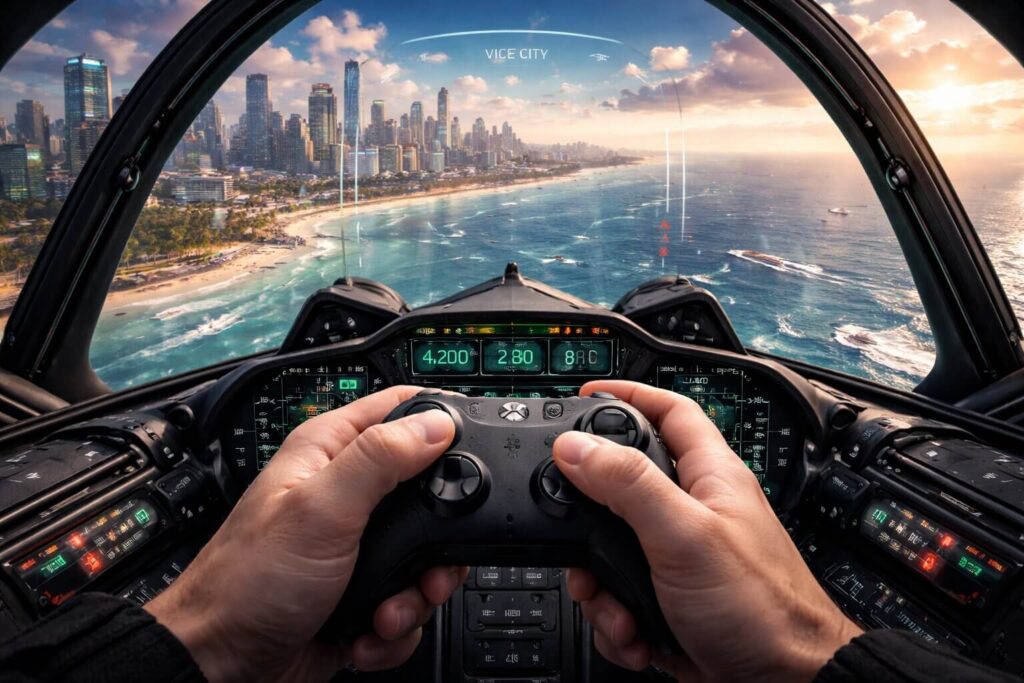
If you are playing with a keyboard and mouse, flying is a notoriously horrific experience. PC gamers are typically forced to use the “Numpad” keys on the far right of their keyboard to control a plane’s pitch, roll, and yaw. It feels incredibly robotic and makes delicate maneuvers—like landing a helicopter on a moving yacht during a high-stakes heist—practically impossible.
A controller is an absolute requirement for the skies. The left analog stick provides flawless, smooth control over the aircraft’s pitch and roll, while the right and left bumpers offer precise analog rudder control. If you want to be the designated getaway pilot for your online crew, you simply cannot attempt it on a keyboard. Finding the best controller for GTA 6 PC ensures you rule the ground, the sea, and the air.
Frequently Asked Questions (FAQs)
When is GTA 6 coming to PC?
Rockstar Games has officially confirmed that the game will launch on PlayStation 5 and Xbox Series X/S in 2026. Historically (with GTA V and Red Dead Redemption 2), Rockstar delays the PC port by roughly 12 to 18 months to ensure the PC architecture can handle the advanced engine and to maximize console sales. PC gamers should realistically expect a late 2027 or early 2028 release window.
Can I use a mouse and keyboard while holding a controller?
Yes! This is the ultimate “hybrid” PC strategy. Many top-tier GTA players keep an Xbox controller resting on their lap. They use a mouse and keyboard for on-foot combat and sniping, and the instant they enter a vehicle or an aircraft, they seamlessly grab the controller for analog driving. The game instantly switches inputs on the fly.
Does the Xbox Elite Series 2 require batteries?
No. Unlike the standard Xbox controller which requires AA batteries, the Elite Series 2 features a massive built-in rechargeable battery that boasts up to 40 hours of battery life on a single charge. It also includes a premium magnetic charging dock in the carrying case.
Conclusion: The Ultimate PC Loadout
While the wait for the PC port of Vice City will be agonizing, it gives you ample time to perfect your battle station. Relying solely on a keyboard for a game built around high-speed driving and aircraft piloting will severely handicap your experience. Finding the best controller for GTA 6 PC ensures you have the analog precision needed for racing and the aim assist required to survive brutal GTA Online lobbies. Equip an Xbox Elite Series 2, plug in the wireless adapter, and prepare for the ultimate open-world simulation.