Best Monitor for GTA 6: 4K vs 1440p Ultrawide Guide
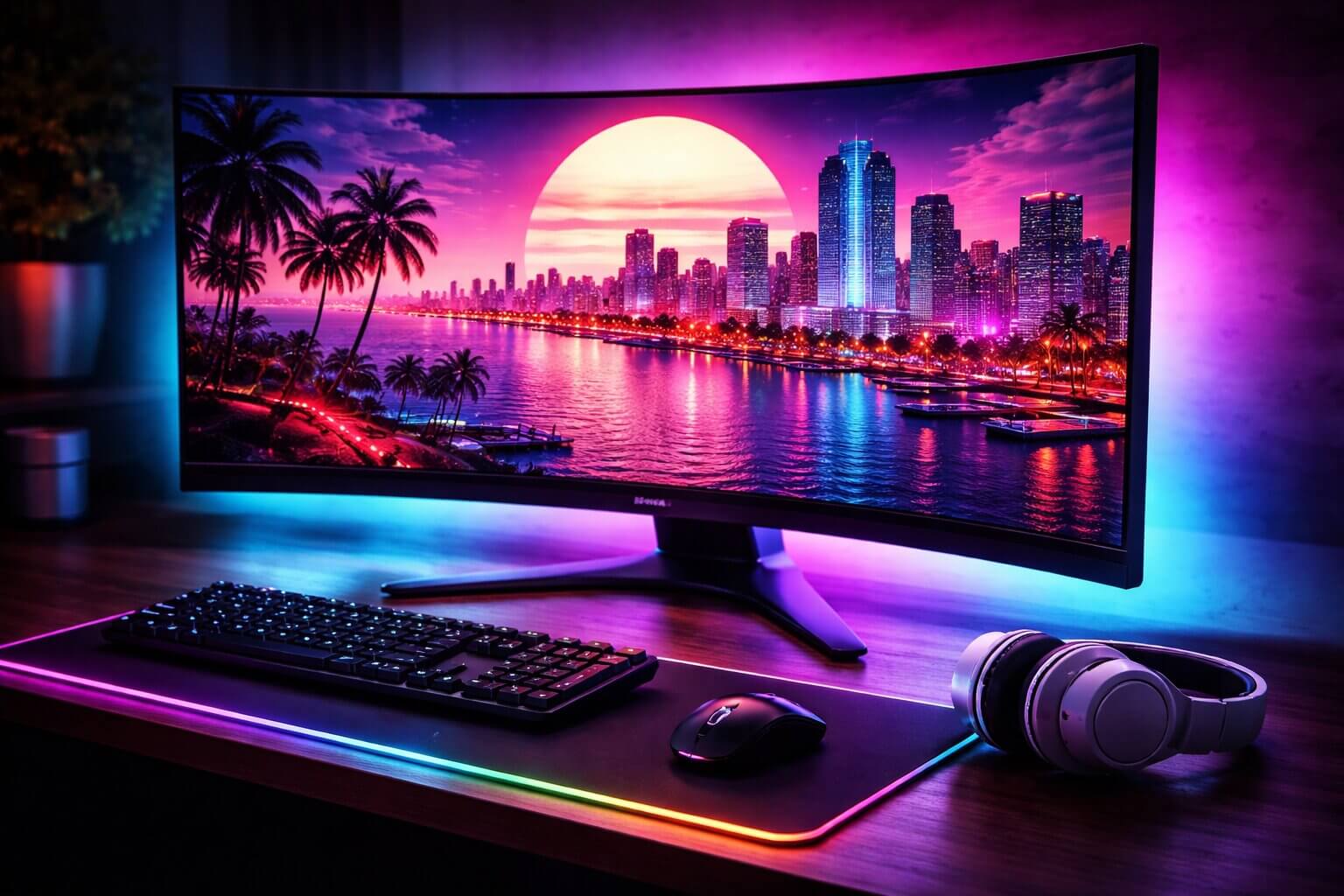
The Ultimate Visual Edge in Leonida
As Rockstar Games prepares to unleash the most highly anticipated entertainment product of the decade, hardware enthusiasts are scrambling to perfect their gaming setups. While much of the community is focused on securing the best console or PC, your system’s raw horsepower is useless if your display cannot keep up. To truly experience the breathtaking RAGE engine, you need to find the absolute best monitor for GTA 6.
Whether you are planning to play the November 2026 release on a PlayStation 5 or Xbox Series X, or you are preparing your high-end rig for the eventual PC port, your monitor dictates your immersion. This game will heavily feature dynamic weather systems, hyper-realistic ray-traced reflections, and the vibrant, neon-soaked nightlife of Vice City. In this comprehensive guide, we are settling the massive 4K vs 1440p Ultrawide debate and revealing the undisputed champion of gaming displays.
The Resolution Battle: 4K vs 1440p Ultrawide
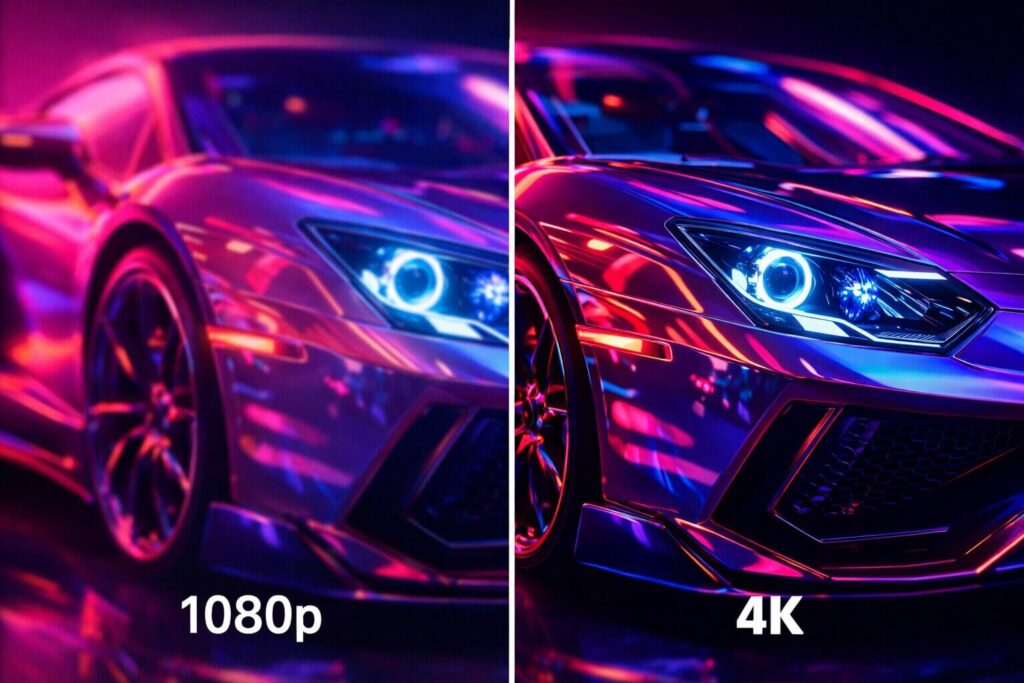
When shopping for a premium gaming display, the first major decision you must make is choosing your aspect ratio and resolution. This choice heavily depends on which platform you intend to play on.
The Case for 4K (16:9 Aspect Ratio)
If you are playing on a PlayStation 5 or an Xbox Series X, a standard 16:9 4K monitor is your absolute best option. Current-generation consoles do not natively support ultrawide resolutions; if you plug a PS5 into an ultrawide monitor, you will be forced to play with massive, ugly black bars on the sides of your screen.
A 4K monitor (3840 x 2160 pixels) provides incredible pixel density. When exploring the dense swamplands or reading the minute details on a sports car dashboard in-game, 4K provides a razor-sharp image that lower resolutions simply cannot match. If you sit relatively close to your desk, a 32-inch 4K panel is the undisputed sweet spot for console gamers.
The Case for 1440p Ultrawide (21:9 Aspect Ratio)
If you are a dedicated PC gamer waiting for the eventual PC release, the best monitor for GTA 6 might not be 4K at all. An Ultrawide 1440p monitor (3440 x 1440 pixels) expands your horizontal field of view by roughly 30 percent.
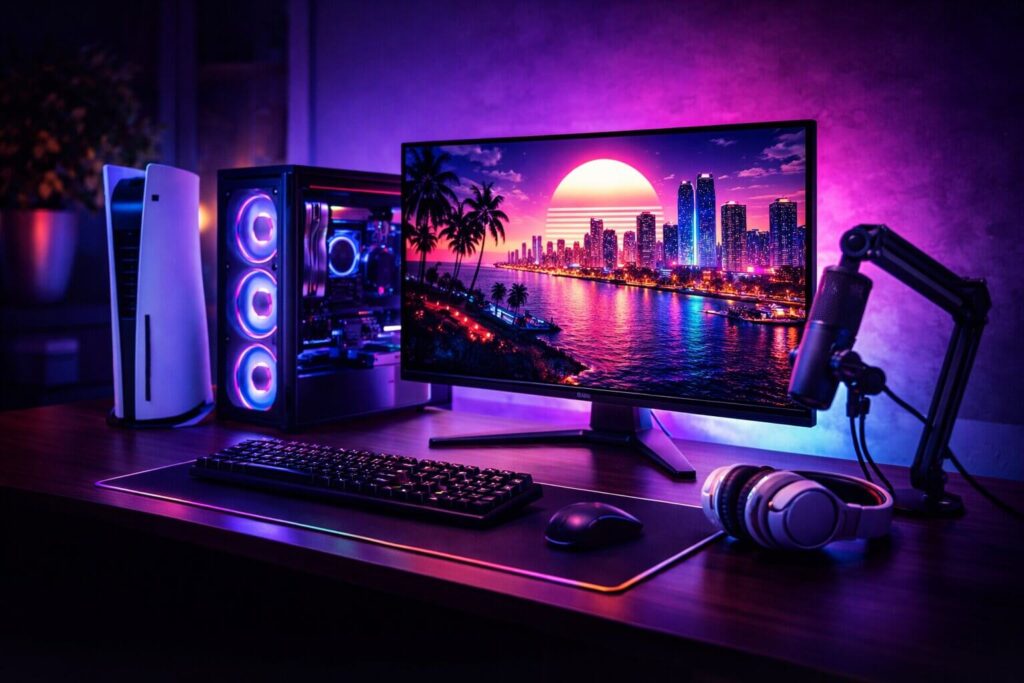
In an open-world driving and shooting simulation, this extra screen real estate is a massive tactical advantage. When you are speeding down a Vice City highway, an ultrawide monitor allows you to see traffic in your peripheral vision without manually panning the camera. It wraps the game world around your field of view, providing a level of cinematic immersion that a standard 16:9 monitor cannot replicate.
Panel Technology: Why OLED is Mandatory
Regardless of whether you choose 4K or Ultrawide, the underlying panel technology is the most critical factor in your purchase. For years, IPS and VA panels dominated the gaming market. However, for a game that relies so heavily on dynamic lighting and dark, atmospheric environments, OLED (Organic Light-Emitting Diode) is the only acceptable choice.
Unlike traditional monitors that use a global backlight, every single pixel on an OLED monitor is self-lit and can turn completely off. This creates an infinite contrast ratio. When you are standing in a dark alleyway in Vice City, the shadows are pitch black, while the neon pink sign above you glows with blinding intensity. There is no “light bleed” or “halo effect.”
The Top Pick: Dell Alienware QD-OLED
After evaluating refresh rates, response times, and color accuracy, one monitor stands head and shoulders above the competition for open-world gaming. If you want the undisputed best monitor for GTA 6, the Dell Alienware QD-OLED series is a technological masterpiece.
Alienware utilizes Quantum Dot OLED (QD-OLED) technology. This hybrid panel maintains the perfect, inky blacks of a traditional OLED but drastically increases the peak brightness and color saturation. The neon lights, explosive firefights, and digital sunsets of Leonida will look incredibly vibrant and lifelike.
Furthermore, these monitors boast a near-instantaneous 0.1ms response time and high refresh rates (up to 165Hz or 240Hz depending on the model). This means fast-moving objects, like a hypercar drifting around a corner, leave absolutely zero motion blur or ghosting.
🔥 Secure the Ultimate Visual Advantage:
Do not bottleneck your next-generation hardware with a cheap, washed-out LCD screen. Check the current pricing on the Dell Alienware QD-OLED Gaming Monitor on Amazon and completely transform your gaming setup today.
Essential Monitor Setup Accessories
Investing in a high-end display is only the first step. To ensure your new Alienware monitor actually receives the massive amount of data required for high-refresh-rate 4K or Ultrawide gaming, you cannot use cheap cables.
If you are playing on a PC, you must ensure you are using a VESA-certified DisplayPort 1.4 or 2.1 cable. If you are playing on a PS5 or Xbox Series X, you absolutely must use an Ultra High-Speed HDMI 2.1 cable. Using older, outdated cables will permanently lock your expensive new monitor at 60Hz or lower resolutions.
🔌 Don’t Strangle Your Graphics:
Ensure your console or GPU is delivering maximum bandwidth. Pick up a Certified DisplayPort / HDMI 2.1 Cable on Amazon to guarantee a flawless, high-framerate connection.
Additionally, premium OLED monitors are heavy and their included stands often take up massive amounts of desk space. Mounting your monitor on a Heavy-Duty Gas Spring Desk Arm will free up your mousepad space for those intense, low-DPI sniper shootouts in GTA Online.
Mastering HDR: The Secret to Vice City Sunsets
When discussing the best monitor for GTA 6, resolution and refresh rate only tell half the story. The true magic of Rockstar’s upgraded RAGE engine lies in its lighting physics. To properly render the blinding Florida sun glaring off the hood of a hypercar, or the subtle glow of a neon sign reflecting in a muddy swamp puddle, you need a monitor with exceptional High Dynamic Range (HDR) capabilities.
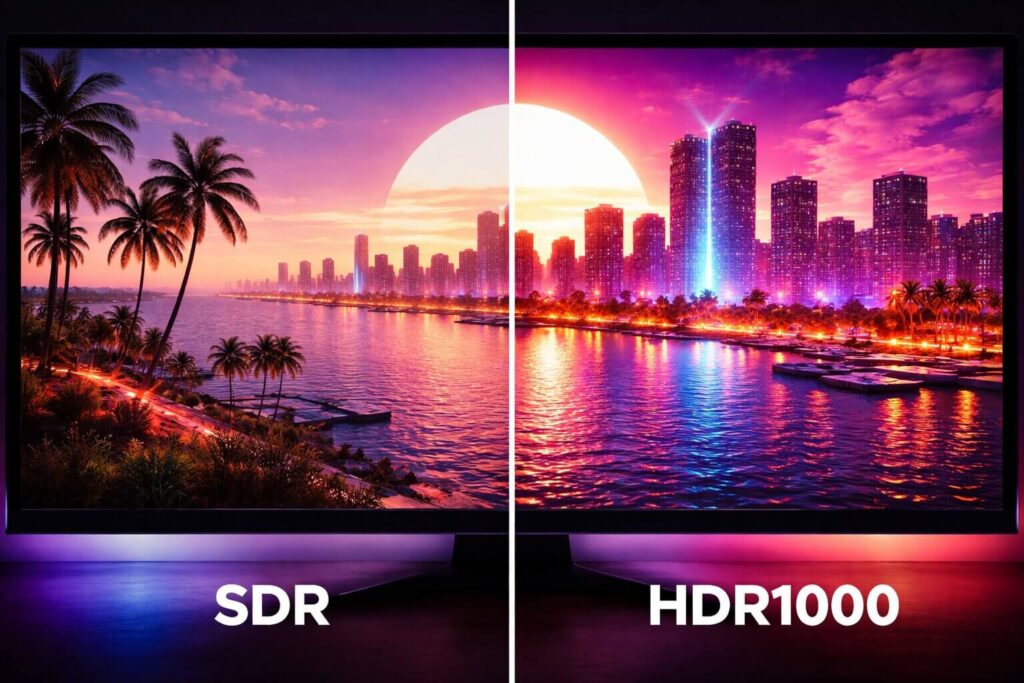
HDR400 vs HDR1000
Many budget monitors slap an “HDR400” sticker on the box to drive sales. In reality, 400 nits of peak brightness is simply not enough to create a true HDR experience; it often just washes out the colors and makes the image look gray. For a generational masterpiece like Grand Theft Auto VI, you want a display capable of hitting True Black HDR400 or, ideally, HDR1000 peak brightness.
OLED and QD-OLED panels excel here. Because each pixel controls its own light, an OLED monitor can place a blindingly bright 1000-nit explosion right next to a pitch-black night sky without any light bleeding over. This localized, pixel-perfect contrast provides a three-dimensional depth to the image that makes the game world feel incredibly lifelike.
The 4K Console Alternative: ASUS ROG Swift OLED
While we heavily praised the Alienware QD-OLED for ultrawide PC setups, console players on the PS5 or Xbox Series X are restricted to a 16:9 aspect ratio. If you want the absolute pinnacle of 4K HDR performance for your console, you need a dedicated 32-inch 4K OLED.
👑 The King of 4K Console Gaming:
If you are playing on current-generation consoles and demand absolute perfection, upgrade to the ASUS ROG Swift 4K OLED Gaming Monitor on Amazon. It features a stunning glossy coating, massive peak brightness for daytime scenes, and a flawless 4K resolution that makes the PS5’s graphics engine truly sing.
The Screen Coating Debate: Matte vs. Glossy
A massive, often ignored factor in choosing the best monitor for GTA 6 is the physical coating applied to the screen glass. Monitor manufacturers typically use either a Matte (Anti-Glare) or Glossy finish, and your choice will drastically alter your visual experience in Leonida.
Why Glossy is the Holy Grail for GTA
A glossy screen coating allows the maximum amount of light and color to pass through the glass unhindered. This results in sharper text, “popping” neon colors, and the inkiness of OLED blacks looking their absolute best. If you can control the lighting in your gaming room (using blackout curtains and dimmable smart lights), a glossy OLED monitor provides the most breathtaking, cinematic experience possible.
When to Choose Matte
Matte coatings diffuse ambient room light to prevent heavy reflections. If your gaming desk sits directly opposite a massive, sunlit window, a glossy screen will act like a mirror, making it impossible to see the game. A matte finish scatters that glare so you can still play comfortably. However, this anti-glare layer slightly diffuses the monitor’s own pixels, causing the image to look just a tiny bit softer or “grainier” compared to a glossy screen. Always assess your room’s lighting before clicking buy.
Input Latency: Dominating GTA Online PvP
When the new iteration of GTA Online launches, the streets of Vice City will become an absolute warzone. Whether you are engaging in sniper battles from skyscraper rooftops or navigating high-speed police pursuits, the hardware on your desk dictates your survival.
High refresh rate OLED monitors boast a response time of 0.03 milliseconds. This effectively eliminates “ghosting”—the trailing blur you see behind fast-moving objects on older LCD panels. When you flick your camera to aim at an enemy, the image remains razor-sharp, allowing your brain to process the target faster.
🎯 Match Your Monitor with Premium Peripherals:
Having a 240Hz OLED monitor is useless if your mouse input is lagging behind. PC players must pair their premium displays with top-tier tracking. Equip the Logitech G Pro X Superlight Wireless Gaming Mouse to ensure your sniper crosshairs snap to the target with zero mechanical delay.
Audio: The Forgotten Monitor Spec
You have just spent over a thousand dollars securing the absolute best monitor for GTA 6. You boot up the game, the legendary Rockstar logo appears, and the audio sounds like it is coming out of a tin can. Why? Because monitor manufacturers put 99% of their budget into the screen panel and 1% into the built-in speakers.
To truly immerse yourself in the chaotic soundscape of Vice City—from the roaring V8 engines of muscle cars to the ambient bass thumping from a nearby nightclub—you must completely bypass your monitor’s internal speakers.
🔊 Feel the Roar of the Engine:
Do not ruin a next-generation visual experience with last-generation audio. Invest in a Premium Desktop Gaming Speaker System with a dedicated Subwoofer on Amazon. It provides the deep, room-shaking bass necessary for explosive heists that a monitor simply cannot produce.
Bias Lighting: The Ultimate Desk Aesthetic
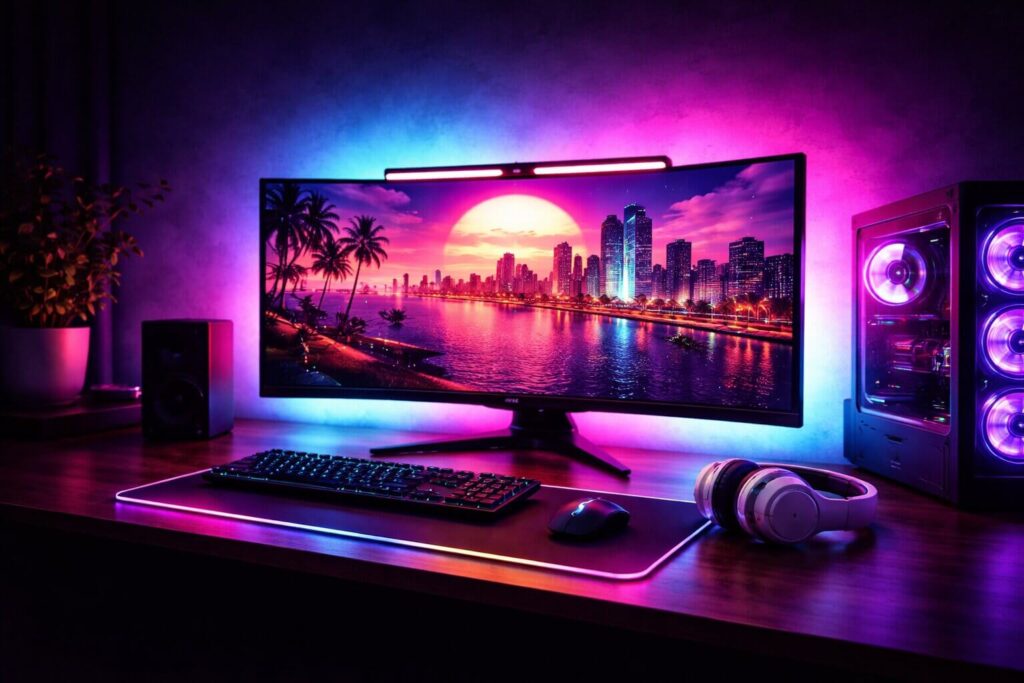
The final step in creating the ultimate Vice City battle station is protecting your eyes. Staring at an intensely bright HDR monitor in a pitch-black room for a 12-hour launch weekend marathon will cause massive eye strain and fatigue.
The solution is Bias Lighting. By placing a soft, ambient light behind your monitor, you reduce the harsh contrast between the blindingly bright screen and the dark wall behind it. This not only saves your retinas but creates an optical illusion that makes the blacks on your monitor look even deeper.
💡 Complete the Vice City Vibe:
Add a Smart RGB Monitor Light Bar to your setup. You can set the ambient backlight to a glowing neon pink or cyan to perfectly match the aesthetic of Leonida, drastically enhancing your immersion while keeping your eyes fresh for another heist.
Frequently Asked Questions (FAQs)
Is a 144Hz monitor necessary for GTA 6?
While Rockstar Games has not officially confirmed the framerate targets for the console release, it is highly likely that the game will offer a 30fps “Fidelity Mode” and a 60fps “Performance Mode.” While 144Hz might exceed the console’s output, a high-refresh-rate monitor ensures you have lower input lag, better motion handling, and full compatibility with Variable Refresh Rate (VRR) technology to eliminate screen tearing.
Do PS5 and Xbox support Ultrawide monitors?
No. The PlayStation 5 and Xbox Series X only output standard 16:9 aspect ratios (1080p, 1440p, and 4K). If you plug a console into a 21:9 ultrawide monitor, the image will either be stretched and distorted, or it will display with large black bars on the left and right sides. Console gamers should strictly buy 16:9 monitors.
Is OLED burn-in a problem for GTA 6?
Early OLED panels suffered from burn-in, where static UI elements (like a minimap or health bar) could permanently ghost onto the screen. However, modern QD-OLED monitors like the Alienware series feature aggressive pixel-shifting technology and automatic panel refreshes that practically eliminate this risk for the average gamer.
Conclusion: Complete Your Setup
Finding the best monitor for GTA 6 is just as critical as upgrading your console or graphics card. Rockstar Games is building a digital world of unprecedented scale, detail, and lighting fidelity. Playing a game of this sheer magnitude on a washed-out, outdated display actively ruins the experience. Whether you choose a razor-sharp 4K panel for your console or an immersive Ultrawide for your PC, upgrading to QD-OLED technology will ensure you experience Vice City exactly the way the developers intended.