The Visual Revolution of Leonida
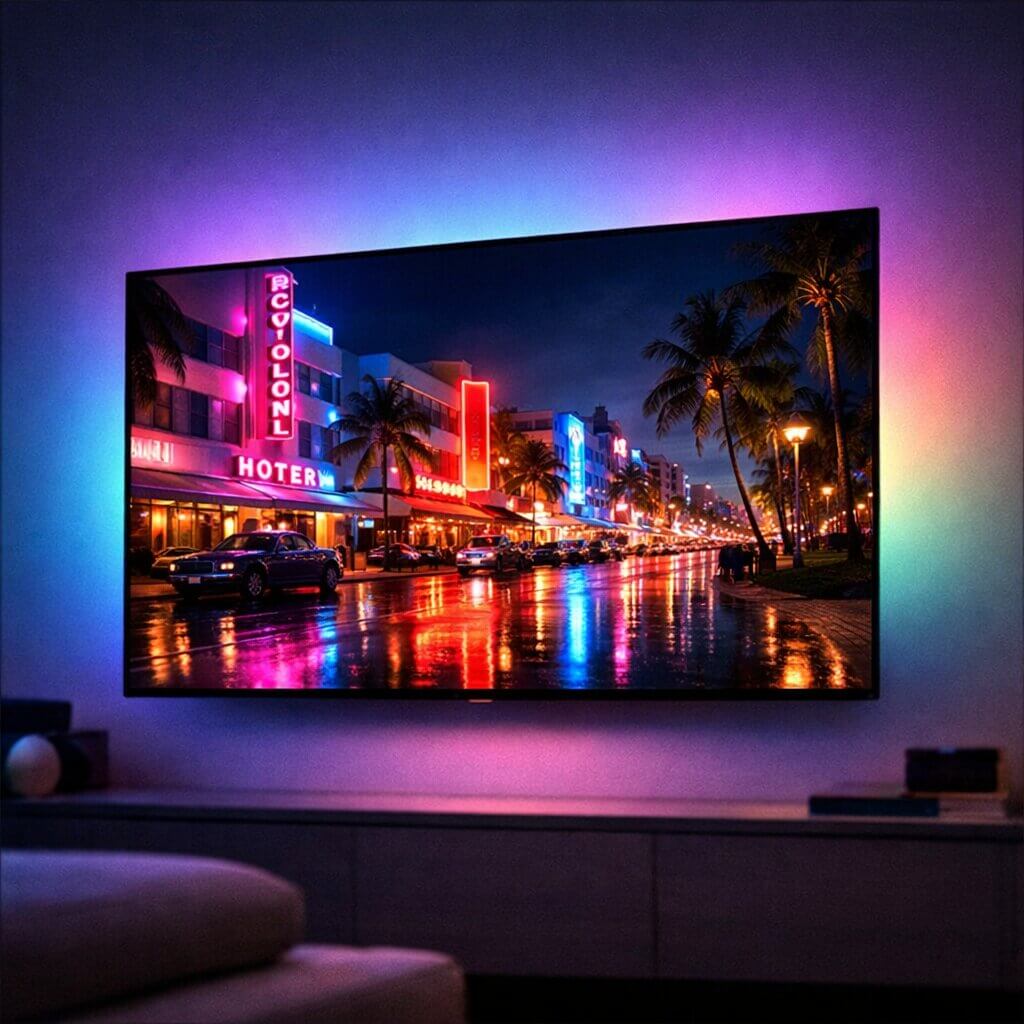
As we gear up for the monumental launch of Grand Theft Auto VI, gamers are obsessively analyzing every single piece of hardware they own. While most of the conversation heavily revolves around tracking down the best console or PC for GTA 6, there is one critical component that is far too often overlooked: your display. Finding the best TV GTA 6 will run on is absolutely essential to fully experiencing the breathtaking, neon-soaked world of Vice City.
Rockstar Games is pushing the absolute boundaries of their proprietary RAGE engine, introducing advanced ray-tracing, unprecedented volumetric clouds, dynamic weather systems, and hyper-realistic global illumination. If you are plugging your premium PlayStation 5 or Xbox Series X into an outdated, standard 60Hz LCD television from five years ago, you are actively bottlenecking your console’s graphical potential. To truly witness the visual revolution of Leonida, you need a modern display built from the ground up for next-generation gaming.
Why 120Hz is the New Standard for Console Gaming
One of the most frequent and heated debates in the gaming community right now is whether Grand Theft Auto VI will run at 30 frames per second (fps) or 60fps. Regardless of where Rockstar’s final optimization lands, upgrading to a 120Hz television is no longer optional for serious gamers—it is a mandatory foundation for a smooth experience.
A 120Hz refresh rate means the television can physically refresh the image on the screen up to 120 times every single second. Even if the game is hard-locked to 30fps or 60fps for visual fidelity, a native 120Hz panel provides significantly better motion handling and drastically reduces input lag. When you are engaged in a high-speed police chase down the Vice City coastline, a 120Hz panel ensures that the fast-panning camera movements remain crystal clear without the muddy, sickening motion blur associated with cheaper televisions.
The Magic of Variable Refresh Rate (VRR)
More importantly, almost all high-end 120Hz televisions support a critical feature called Variable Refresh Rate (VRR). Open-world games are incredibly demanding on hardware, and framerates rarely stay perfectly locked. If the game targets 60fps but occasionally dips to 50fps during heavy, explosive action sequences, VRR forces the television to instantly sync its refresh rate to the console’s actual output. This entirely eliminates screen tearing and makes those frame drops practically invisible to the human eye, keeping the gameplay buttery smooth.
OLED vs. QLED: The Battle for Perfect Contrast
When searching for the best TV GTA 6 compatibility, you will inevitably run into the massive OLED versus QLED debate. For a game that relies so heavily on dynamic day-and-night cycles, swampy shadows, and vibrant neon lighting, OLED technology is the undisputed king of the living room.
Traditional LED and QLED televisions use a backlight to illuminate the pixels. Even the absolute best QLEDs suffer from a visual artifact called “blooming,” where bright objects on a dark background cause a faint halo of light to bleed into the surrounding shadows. OLED (Organic Light-Emitting Diode) televisions are built entirely differently. Every single pixel on an OLED screen is self-lit and can turn itself completely off independently.
This means when you are exploring the murky swamplands of Leonida at midnight, the black areas of the screen are truly, perfectly black. The infinite contrast ratio provided by OLED technology will make the neon lights of Vice City pop with a level of hyper-realism that standard televisions simply cannot replicate.
The HDR Advantage: Experiencing Vice City Sunsets
Another monumental factor in modern displays is High Dynamic Range (HDR). While older 4K TVs might claim they support HDR, they often lack the peak brightness required to make it noticeable. A premium OLED display drastically increases the color gamut and peak luminance.
When you are flying a helicopter over the Vice City beaches during a digital sunset, true HDR capabilities allow the sun to glow with intense, blinding brightness while maintaining the subtle, dark details of the ocean waves below. Rockstar has mastered environmental lighting, and true HDR is the only way to see the millions of nuanced color shades their art department meticulously crafted.
Input Lag vs. Response Time: What Gamers Miss
Many buyers confuse refresh rate with response time and input lag. Input lag is the delay between pressing a button on your controller and seeing that action happen on screen. Response time is how quickly a pixel can change from one color to another.
OLED panels boast a near-instantaneous response time of 0.1 milliseconds. This means fast-moving objects, like a sports car drifting around a corner, leave absolutely zero “ghosting” or trailing blur behind them. Combined with low input lag, this ensures your controls feel incredibly tight and responsive, which is vital for competitive GTA Online shootouts.
The Ultimate Choice: Why the LG OLED C3 Dominates
After thoroughly testing the market and analyzing the specific graphical demands of the PlayStation 5 and Xbox Series X, there is one television that stands head and shoulders above the rest for this specific, highly anticipated release.
If you want the absolute best TV GTA 6 experience, look no further than the LG OLED C3 Series. LG has been the industry gold standard for OLED gaming for the past five years, and the C3 model perfects the formula. It features four full-bandwidth HDMI 2.1 ports, meaning you can plug in multiple next-gen consoles and a high-end PC without ever having to swap cables around to get 4K resolution at 120Hz.
The Game Optimizer Menu
The LG C3 also includes a dedicated, built-in Game Optimizer dashboard. This custom interface allows you to instantly toggle VRR, AMD FreeSync Premium, and NVIDIA G-Sync on the fly. It also aggressively reduces input lag to less than 1 millisecond.
📺 Secure the Ultimate Vice City Display:
Do not wait for the massive launch-day hardware rush when stock will inevitably deplete. Check the current pricing on the LG OLED C3 Series on Amazon and upgrade your living room setup today so you are fully prepared.
The Hidden Bottleneck: Your HDMI Cable
Even if you invest heavily in the most expensive OLED television on the market, you can completely ruin the visual experience with a single, cheap accessory. To transmit a flawless 4K resolution image at 120Hz with HDR and VRR enabled, an incredible amount of data must pass from your console directly to your television.
Standard HDMI 2.0 cables simply do not have the bandwidth to handle this massive data stream. You absolutely must use an Ultra High-Speed HDMI 2.1 cable capable of 48Gbps data transfer. If you don’t, your new TV will be permanently bottlenecked at 60Hz.
🔌 Don’t Strangle Your Graphics:
Ensure your console is delivering maximum performance. Pick up a certified Ultra High-Speed HDMI 2.1 Cable on Amazon to guarantee a flawless connection.
Storage Needs vs Visual Needs
While you are upgrading your living room display, don’t forget the other major hardware hurdle: storage space. With massive 4K textures designed specifically for these high-end OLED displays, the game’s file size is expected to be astronomical. Before launch, make sure you review our complete guide on the estimated GTA 6 storage size requirements so your console actually has room to install the game.
Don’t Forget the Audio Experience
While securing the best TV GTA 6 compatibility is crucial for eye-popping visuals, the audio design of Leonida is equally important to the overall immersion. Rockstar Games is heavily renowned for its incredible soundscapes. The LG OLED C3 features respectable built-in speakers, but to truly feel the heavy impact of a high-speed collision, you should strongly consider pairing your new 120Hz display with a dedicated audio system.
🔊 Upgrade Your Sound: Grab a Premium Gaming Soundbar with Dolby Atmos to ensure that the roaring soundtrack and precise directional audio cues perfectly match the hyper-realistic visual fidelity of your OLED panel.
The Bright Room Dilemma: Mini-LED as an OLED Alternative
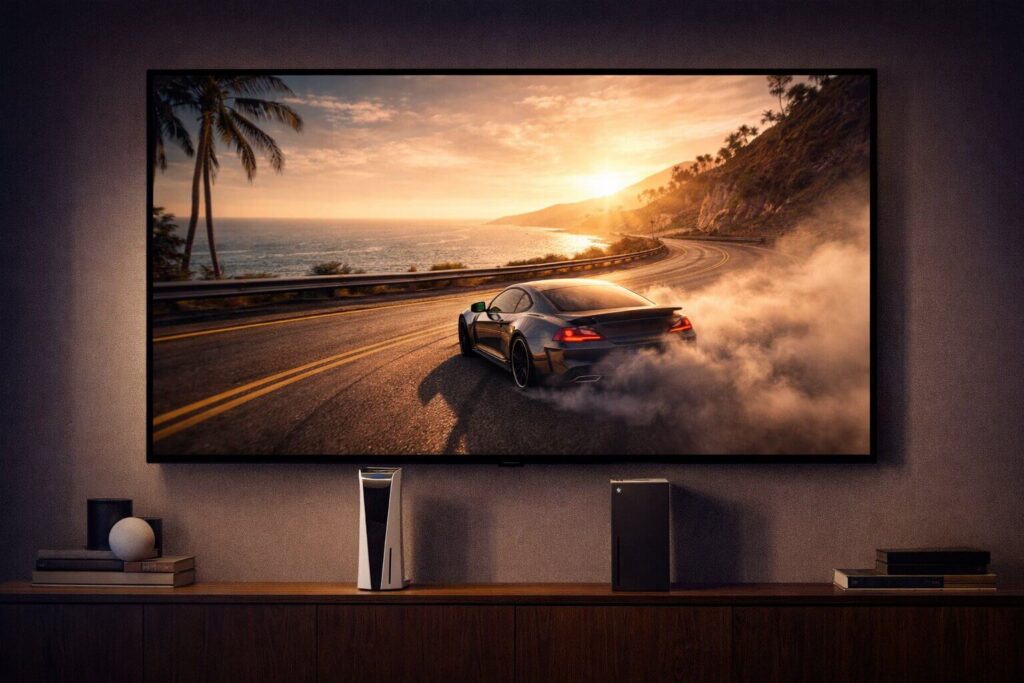
While we firmly believe that an OLED panel like the LG C3 provides the absolute best TV GTA 6 experience, there is one specific scenario where OLED technology struggles: heavily sunlit rooms. OLED panels, due to their self-lit pixel technology, generally cannot reach the blinding peak brightness levels of traditional LED televisions.
If your gaming setup is located in a living room with massive bay windows, no blackout curtains, and direct sunlight hitting the screen, an OLED TV might look slightly dim, and the glossy screen will reflect a lot of glare. In this specific scenario, your best alternative is a Mini-LED television.
Why Mini-LED is a Powerhouse
Mini-LED technology uses thousands of microscopic LED backlights divided into hundreds of “local dimming zones.” While it cannot achieve the mathematically perfect, inky blacks of an OLED, it comes incredibly close. More importantly, a premium Mini-LED TV can get twice as bright as an OLED, easily cutting through intense room glare.
☀️ Play in a Bright Room? Get a Mini-LED:
If you cannot control the ambient light in your room, do not buy an OLED. Check out the Samsung Neo QLED Series on Amazon. It delivers massive 120Hz gaming performance and insane peak brightness that will make the daytime beaches of Vice City look spectacular even in a sun-drenched room.
Optimal Viewing Distance: Don’t Buy the Wrong Size
Buying the best TV GTA 6 has to offer is pointless if you buy the wrong size for your specific seating arrangement. In the era of 4K resolution and highly detailed open-world games, sitting too far away means you will miss the intricate details Rockstar Games has spent years designing. Sitting too close to a massive screen means you will suffer from eye fatigue as you constantly dart your eyes to see the minimap or ammo counter.
The 4K Gaming Distance Calculator
To get the most immersive, cinematic experience without sacrificing your competitive edge in GTA Online, you should aim for a 40-degree field of view. Here is the golden rule for next-generation 4K console gaming distances:
- 55-inch TV: Sit roughly 5.5 feet (1.7 meters) away.
- 65-inch TV: Sit roughly 6.5 feet (2.0 meters) away.
- 77-inch TV: Sit roughly 7.5 feet (2.3 meters) away.
- 83-inch TV: Sit roughly 8.5 feet (2.6 meters) away.
If your couch is 10 feet away from the wall, a 55-inch TV is simply too small for a next-generation 4K experience. You will struggle to read the in-game text messages on your character’s smartphone. Always measure your room before clicking the checkout button.
Pro-Calibration: Tuning Your LG C3 for Vice City
If you decide to take our primary recommendation and invest in the LG OLED C3, taking it out of the box and plugging it in is only half the battle. Out of the box, most televisions are set to “Eco Mode” or “Standard Mode,” which severely dulls the colors, limits the brightness, and introduces horrible motion smoothing (the “soap opera effect”).
To ensure your new panel is truly the best TV GTA 6 could ever be played on, you must calibrate the settings immediately. Here is a quick guide to unlocking your TV’s true potential for your PS5 or Xbox Series X:
- Enable Game Optimizer: As soon as you launch a game, switch the picture mode to “Game Optimizer.” This disables unnecessary background processing and drops your input lag to under 1ms.
- Turn Off Energy Saving: Navigate to the General Support settings and completely disable all Energy Saving and AI Brightness features. These features artificially dim the screen to save electricity, ruining your HDR experience.
- Set HGiG for Perfect HDR: In the Game Optimizer menu, locate the Dynamic Tone Mapping setting and change it to “HGiG.” This hands control of the HDR lighting directly back to the console, ensuring the game’s sun glares and dark shadows look exactly as Rockstar programmed them, rather than letting the TV guess the lighting.
- Adjust the Black Stabilizer: Keep the Black Stabilizer at exactly 10. Raising it will wash out the perfect OLED blacks, making the night sky look gray, while lowering it will crush the shadow detail, making it impossible to see enemies in dark alleyways.
The Ultimate Vice City Ambiance: Smart LED Lighting
Once your TV is mounted and calibrated, there is one final, relatively inexpensive upgrade you can make to your gaming room that will drastically enhance your immersion in the neon-drenched world of Leonida. We are talking about responsive ambient backlighting.
By installing a smart LED camera system or HDMI sync box, you can project the colors happening on your screen directly onto the wall behind your television. When you are driving past a glowing pink neon sign in Vice City, the wall behind your TV will instantly flash pink. When you dive into the ocean, your entire room will glow a deep, aquatic blue.
💡 Complete the Vice City Aesthetic:
Take your immersion to the absolute maximum level. Add a Govee Envisual TV LED Backlight kit from Amazon to your setup. It is an affordable, incredibly easy-to-install upgrade that makes the game world feel like it is bleeding off the screen and into your living room.
Frequently Asked Questions (FAQs)
Will my old 4K TV work for GTA 6?
Yes, your older 4K TV will still display the game perfectly fine. The PS5 and Xbox Series X are fully backward compatible with older HDMI standards. However, you will be locked at a maximum of 60Hz, you will miss out on Variable Refresh Rate (VRR) to smooth out frame drops, and you will likely experience significantly higher input lag compared to a modern gaming panel.
Is OLED burn-in a real problem for gaming?
Early generations of OLED panels had legitimate issues with static elements (like a game’s mini-map or health bar) permanently burning into the screen over thousands of hours of repetitive play. However, modern panels like the LG C3 feature aggressive pixel-shifting technology, localized dimming, and automatic logo detection that practically eliminates the risk of burn-in for the average consumer playing varied content.
Does TV size matter for 4K gaming?
Pixel density is key to a sharp image. For a 4K resolution television, the sweet spot for a standard living room viewing distance is generally between 55 inches and 65 inches. If you buy a massive 85-inch TV and sit too close to it, you will begin to see individual pixels and the image will look significantly softer.
Final Thoughts: Prepare Your Hardware
Finding the best TV GTA 6 can run on is just as important as securing the console itself. Rockstar Games is building a digital world of unprecedented scale, detail, and lighting fidelity. Playing a game of this sheer magnitude on an outdated display is like watching a blockbuster cinematic masterpiece on a tiny smartphone screen. Upgrade to a 120Hz OLED panel, enable VRR, and prepare to experience Vice City exactly the way the developers intended.